Introducing Tunnels v2
Tunnels v2 is our next-generation tunnel architecture for Runloop devboxes, rebuilt from the ground up for performance, security, and simplicity. Tunnels are now instant, secure by default with optional key-based authentication, and flexible enough to handle any multi-service workflow.
Fast, Secure Access to Your Devboxes
When you're running AI agents in production, you need a secure, reliable way to communicate with services running inside your devboxes. Tunnels are the secure bridge between your infrastructure and the outside world.
What's New
Our previous tunnel implementation had a lead time between when the tunnel was created and when it subsequently became available. There was also tight coupling between ports and devbox identity. As our customers scaled their agent fleets, these limitations became real bottlenecks. We're pleased to announce that we’ve fully resolved those limitations with Tunnels v2.
Instant availability: Tunnels are ready the moment your devbox starts and your agents can start communicating immediately.
Built-in bearer token authentication: Every tunnel supports optional bearer token auth out of the box. Enable it when you create your devbox and get tunnel-level access control without any additional setup. It’s ideal for agents that need secure, authenticated communication channels.
Seamless port switching: All services on a devbox share a common base domain. Switch between ports by changing the URL without the need to manage separate tunnel URLs for each service or deal with CORS configuration between them.
Get Started: Enabling Tunnels
You can enable a tunnel when creating a devbox, or on a devbox that's already running.
import asyncio
from runloop_api_client import AsyncRunloopSDK

async def main():
    runloop = AsyncRunloopSDK()

    # Create a devbox with an authenticated tunnel
    devbox = await runloop.devbox.create(
        name="my-agent",
        launch_parameters={
            "launch_commands": [
                "python agent_server.py"
            ]
        },
        tunnel={
            "auth_mode": "authenticated"
        }
    )

    # Tunnel is available immediately — no waiting
    tunnel = await devbox.get_tunnel()
    print(f"Access your agent at: https://{{port}}-{tunnel.tunnel_key}.tunnel.runloop.ai")
    print(f"Auth token: {tunnel.auth_token}")

asyncio.run(main())
To enable a tunnel on a devbox that's already running, simply use the enable_tunnel command:
# Enable a tunnel on an existing devbox
tunnel = await await runloop.api.devboxes.enable_tunnel(id=devbox.id)
port = 8080

print(f"Tunnel is live: https://{port}-{tunnel.tunnel_key}.tunnel.runloop.ai")
Using Tunnels
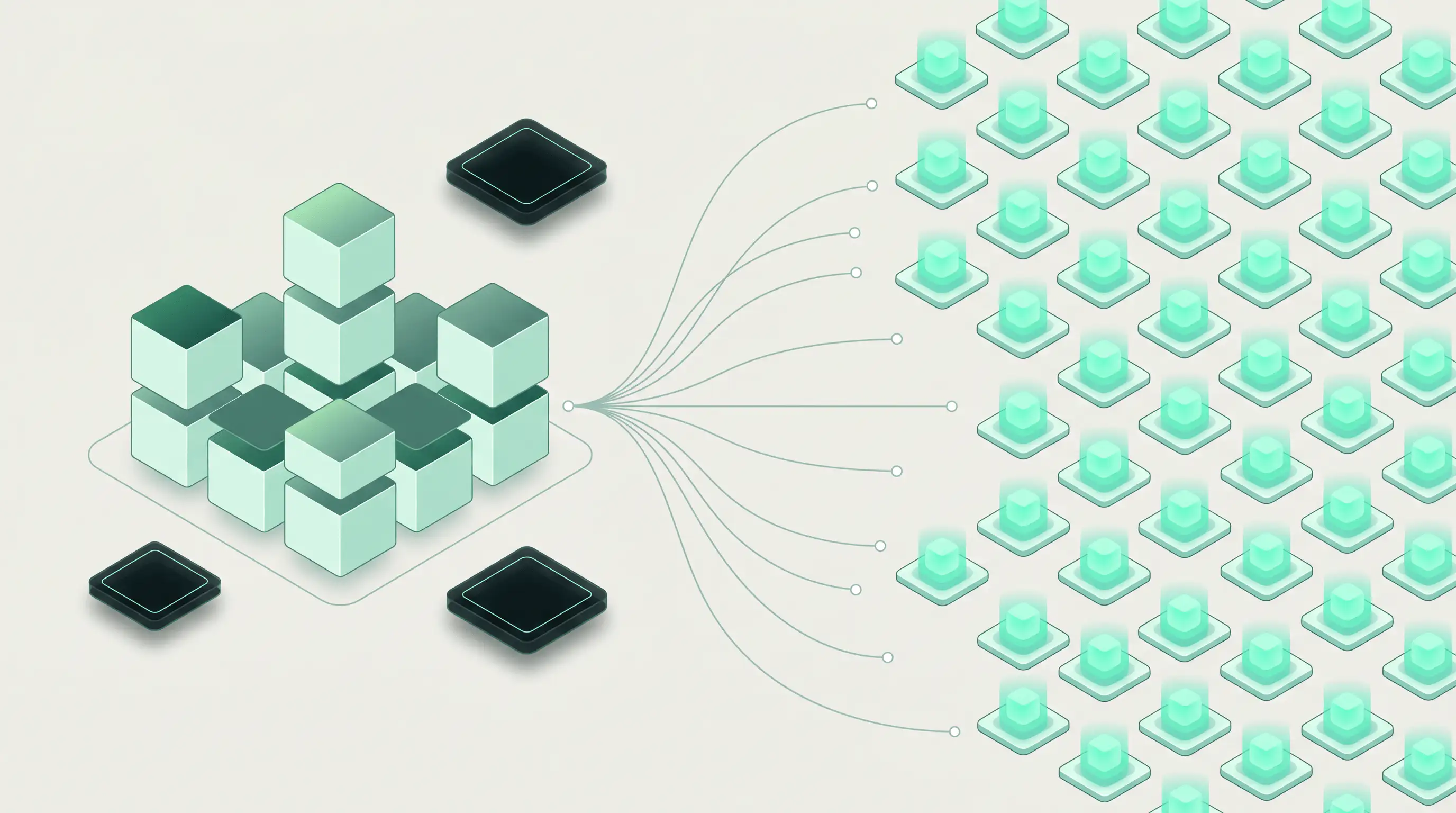
Once created, the tunnel is immediately available at the generated URL. Note that you can start multiple tunnels using different ports. This is convenient if you want to have an agent that, for example, exposes traditional webservice, debug and MCP interface ports.
# MCP on port 3000
https://3000-{tunnel_key}.tunnel.runloop.ai

# REST API server on port 8080
https://8080-{tunnel_key}.tunnel.runloop.ai

# Debug dashboard on port 9090
https://9090-{tunnel_key}.tunnel.runloop.ai
Tunnel Configuration Options
Authentication modes: Choose between open and authenticated access. Use authenticated mode for production agent communication where each tunnel gets a unique bearer token (auth_token) for access control. Use open mode only for local development and testing workflows where authentication isn't needed.
Works with Network Policies: Tunnels v2 integrates with Network Policies to give you complete control over both egress and ingress traffic. Restrict which external services your devbox can reach while also controlling who can reach your devbox.
What's Next
Tunnels v2 is available now for all Runloop users. The legacy tunnel API still works and will continue to function, but now returns the new Tunnels v2 format with port-prefixed URLs. We're marking the legacy API (/v1/devboxes/create_tunnel) as deprecated and will no longer be supported.
Check out the full documentation:
We can't wait to see what you'll build with Tunnels v2.
Have questions or feedback? We'd love to hear from you at support@runloop.ai





.png)