Evaluate & Train with
Benchmarks
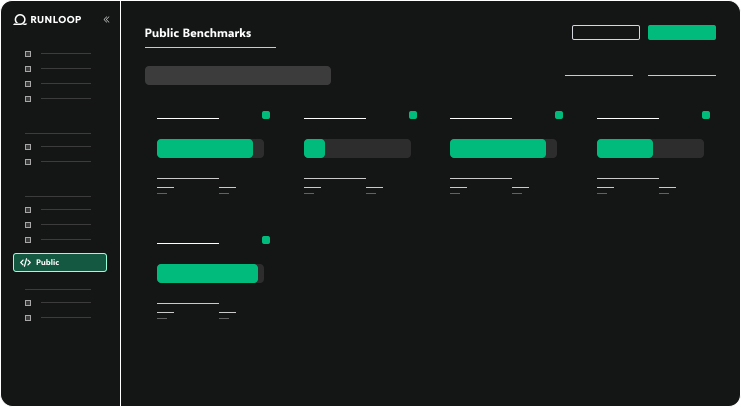
Benchmarks are structured evaluations that measure how well an AI agent performs on given tasks. Use the very best public benchmarks or create your own.


Benchmarks are structured evaluations that measure how well an AI agent performs on given tasks. Use the very best public benchmarks or create your own.
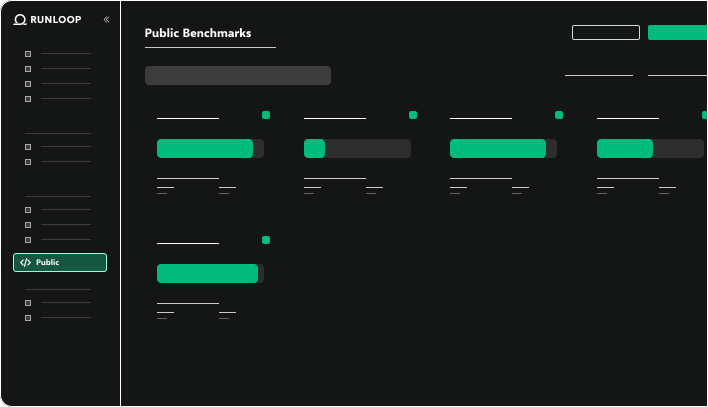

Launch training runs to drive agent performance or evaluate current capabilities

Measure & compare agent performance
Detect regressions and automate testing
Automate prompt and context improvements


Train at scale with state of the art benchmarks
Use the latest in post-training algorithms like RFT and SFT to take your agent to the next level
Run tens of thousands of test cases simultaneously

Create, clone & modify test cases for your business
Secure, isolated sandboxes keep your data secure
Run industry-standard benchmarks or create custom evals to measure what matters most
Evaluate your agents against ready-made, industry-standard datasets to quickly measure baseline performance.
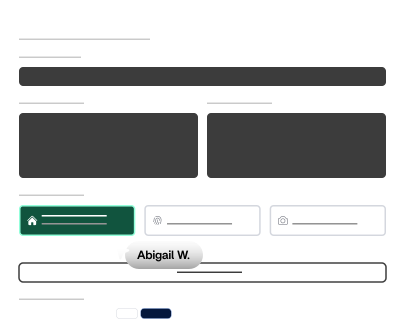

Run test cases from across multiple benchmarks that match criteria that you care about. From security & compliance to tool use, Runloop has a targeted benchmark for you.
Turn your domain expertise into automated tests that can be run at massive scale and low latency.
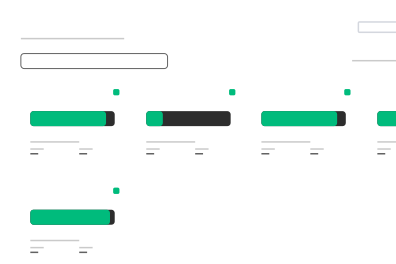
Discover the tools that make building and testing easier.

Consistently measure AI agent performance across multiple tasks and scenarios.

Teach your agent to solve real problems. Build evaluation sets from pull requests, or create synthetic problems to maximize training efficacy.

Define what success looks like by tailoring scoring rewards, so that "correct" also means low cost and secure.

Track results over time and compare agents against industry or internal baselines.

Improve your agents' performance by testing changes to prompt or context against benchmarks.

Use sophisticated training methods like Reinforcement Fine Tuning (RFT) and Supervised Fine Tuning (SFT) to improve agent performance.
Start for free and receive $50 in credits to accelerate your AI software engineering.
© 2025 Runloop AI, Inc.



© 2026 Runloop AI, Inc.


